Destructuring in JavaScript
Software Engineer | Passionate about Web Development, DSA & Problem Solving. I write simple, practical tech blogs to help developers learn and grow. Exploring JavaScript, C++, Backend & Modern Web Technologies.
Introduction
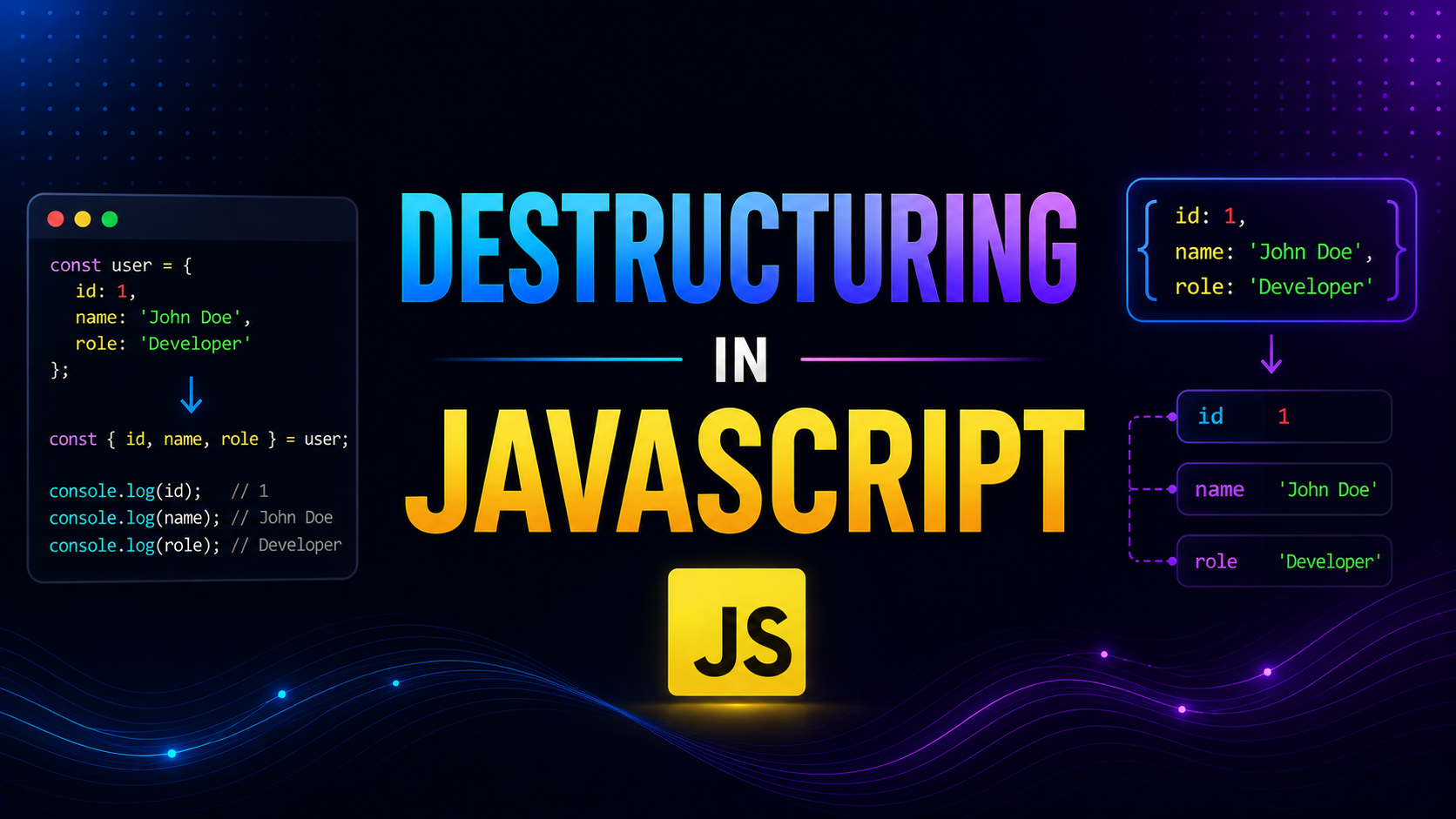
Modern JavaScript (ES6+) introduced destructuring, a powerful feature that allows developers to extract values from arrays and objects in a clean and concise way.
Instead of writing repetitive code to access individual elements or properties, destructuring lets you unpack values directly into variables.
This leads to:
Cleaner code
Better readability
Less repetition
Faster development
Understanding destructuring is essential for writing modern JavaScript, especially when working with APIs, functions, and complex data structures.
1. What Destructuring Means
Destructuring is the process of breaking down arrays or objects into smaller parts and assigning them to variables.
Example (Without Destructuring):
const user = {
    name: "Peeyush",
    age: 22
};

const name = user.name;
const age = user.age;

console.log(name, age);
Explanation :
We manually access each property
This creates repetitive code
Not efficient for large objects
Example (With Destructuring):
const user = {
    name: "Peeyush",
    age: 22
};

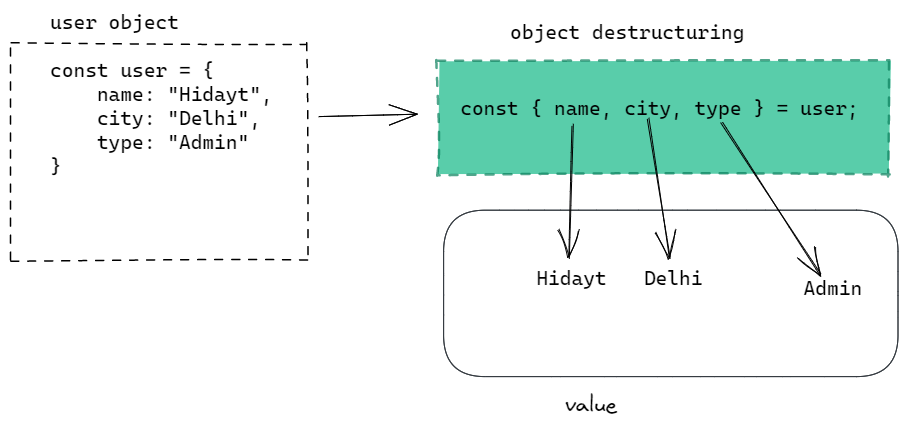
const { name, age } = user;

console.log(name, age);
Explanation :
{ name, age }extracts properties directlyNo need to write
user.name,user.agerepeatedlyCode becomes shorter and cleaner
2. Destructuring Arrays
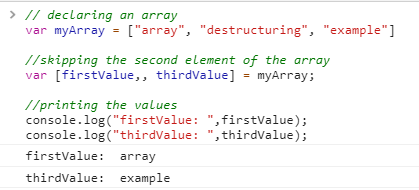
Array destructuring allows you to extract values based on position (index).
Example:
const numbers = [10, 20, 30];

const [a, b, c] = numbers;

console.log(a, b, c);
Explanation :
a = 10(index 0)b = 20(index 1)c = 30(index 2)
Output:
10 20 30
Values are assigned based on position in the array.
Skipping Values:
const numbers = [10, 20, 30];

const [first, , third] = numbers;

console.log(first, third);
Explanation:
first = 10Second value is skipped
third = 30
Output:
10 30
3. Destructuring Objects
Object destructuring extracts values based on property names, not position.
Example:
const student = {
    name: "Rahul",
    age: 20,
    course: "B.Tech"
};

const { name, course } = student;

console.log(name, course);
Explanation :
namegets value"Rahul"coursegets value"B.Tech"ageis ignored
Output:
Rahul B.Tech
Renaming Variables:
const { name: studentName } = student;

console.log(studentName);
Explanation:
nameis extracted but stored instudentNameUseful when variable names conflict
4. Default Values
Destructuring allows assigning default values when a property or element is missing.
Example:
const user = {
    name: "Peeyush"
};

const { name, age = 25 } = user;

console.log(name, age);
Explanation :
nameexists →"Peeyush"agedoes not exist → default value25is used
Output:
Peeyush 25
This prevents errors when data is missing.
5. Benefits of Destructuring
Destructuring is widely used because it improves code quality.
1. Reduces Repetitive Code
const user = { name: "Aman", age: 21 };

const { name, age } = user;
Explanation:
No need to write
user.name,user.agerepeatedlyCode becomes concise
2. Improves Readability
Cleaner syntax makes code easier to understand.
3. Useful in Functions
function greet({ name }) {
    console.log("Hello", name);
}

greet({ name: "Peeyush" });
Explanation:
Directly extracts
namefrom objectNo need for extra variable assignment
4. Works Well with APIs
API responses often return objects, making destructuring very useful.
6. Real-World Usage Pattern
Destructuring is commonly used in modern JavaScript applications.
Example:
const response = {
    data: {
        user: {
            name: "Peeyush",
            age: 22
        }
    }
};

const { data: { user: { name } } } = response;

console.log(name);
Explanation :
Nested destructuring extracts deeply nested value
Directly accesses
namewithout multiple dot operations
Output:
Peeyush
This is extremely useful in API handling.
Conclusion
Destructuring is a powerful feature that simplifies working with arrays and objects in JavaScript.
It allows you to:
Extract values easily
Reduce repetitive code
Improve readability
Handle complex data structures efficiently
By mastering destructuring, you can write cleaner and more modern JavaScript code.